Main navigation
- Learning Solutions
- Service & Support
- About Us
- Sign In

Seguin’s COMPUTER Applications for Microsoft 365 provides instruction that helps students achieve entry-level competence with Microsoft Windows, web browsers, and the Microsoft 365 productivity suite, including OneNote, Outlook, Word, Excel, PowerPoint, and Access. Students are also introduced to cloud computing alternatives to the traditional desktop suite.
Copyright: 2023
Author: Denise Seguin, Fanshawe College
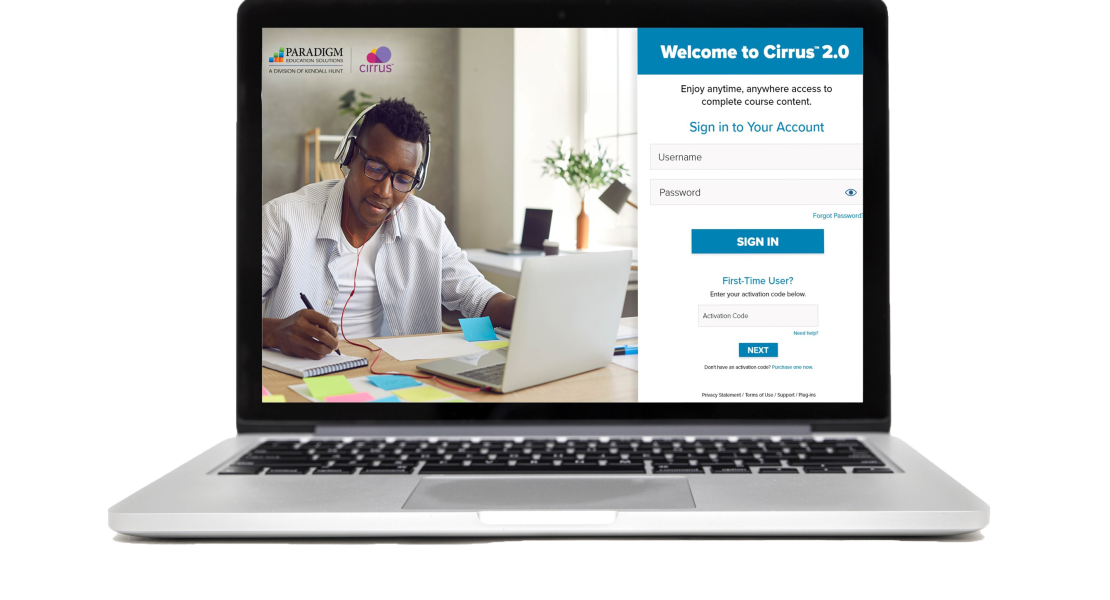
Seguin's COMPUTER Applications for Microsoft 365, powered by Paradigm’s Cirrus platform, integrates seamlessly with Blackboard, Canvas, D2L, and Moodle. Students and educators can access all course material anytime, anywhere through a live internet connection. Cirrus delivers students the same learning experience whether they are using a PC, Mac, or Chromebook.
Course content is digitally delivered in a series of scheduled assignments that report to a grade book, thus tracking student progress and achievement through Cirrus’s complete solution.
Dynamic Training
This courseware includes the following interactive assignments to guide student learning.
Section Review and Assessment Activities
Cirrus reinforces and assesses student learning through the following section activities.

All instructor resources are available through Cirrus and visible only to instructors. The instructor materials include the following items:
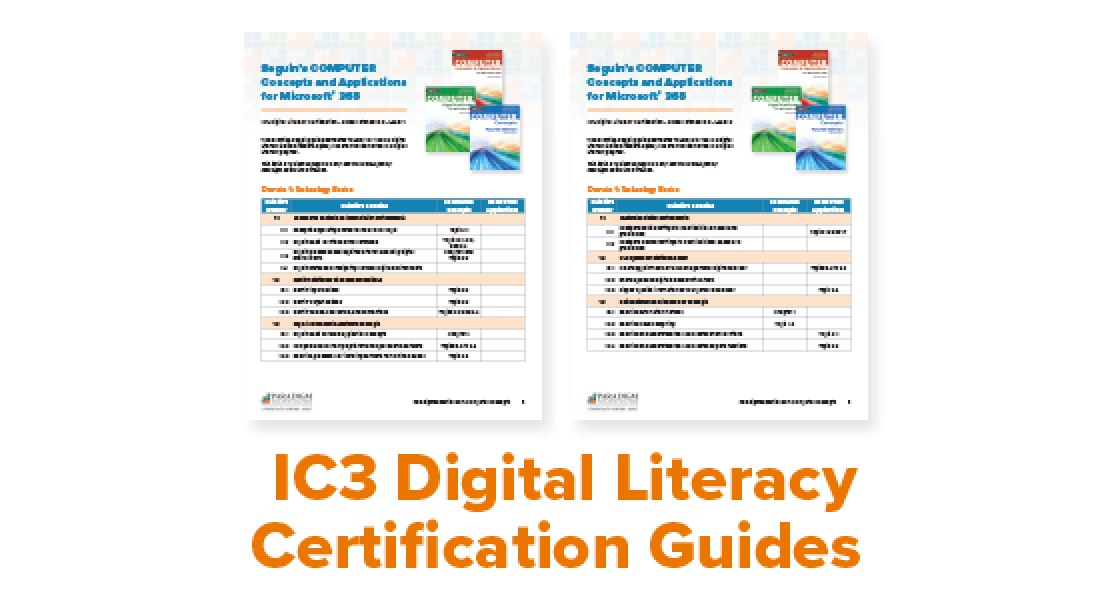
See how our courseware correlates to IC3 Digital Literacy Global Standard 6 (GS6), the latest version of the IC3 Digital Literacy program.

We'd love the opportunity to show you how Seguin's COMPUTER Applications for Microsoft 365 and Cirrus build students' skills and eliminate many of the obstacles that can prevent them from being prepared for the first week of class and successful throughout the course.