Main navigation
- Learning Solutions
- Service & Support
- About Us
- Sign In

Guidelines for Microsoft® 365 takes a simple, straightforward, and intuitive approach to teaching basic skills using features available in Outlook, Word, Excel, PowerPoint, and Access for Office 365. In this course, students will find a step-by-step, visual approach that will help them quickly learn the key features of the Office applications, building knowledge in a logical and easy-to-follow way.
For every skill, students will have the opportunity to work through the steps in an interactive tutorial. Structured end-of-chapter and end-of-unit exercises and assessments will help reinforce what students have learned and evaluate how well they can apply their new skills to realistic work and school situations. As students work through the skills, exercises, and assessments in each chapter, they will gain confidence and proficiency.
Copyright: 2023
Authors: Anita Verno, Bergen Community College; and Jan Marrelli
Unit 1. Getting Started
Unit 2. Application Basics
Unit 3. Outlook
Unit 4. Word
Unit 5. Excel
Unit 6. Access
Unit 7. PowerPoint
Unit 8. Integrating Microsoft 365 Applications
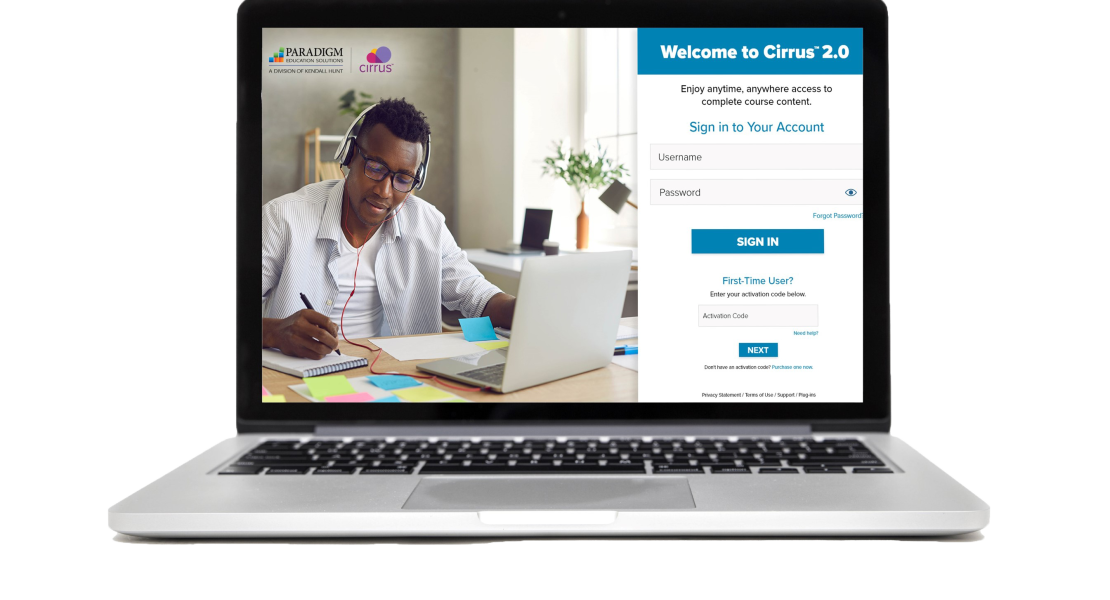
Guidelines for Microsoft 365, powered by Paradigm’s Cirrus platform, integrates seamlessly with Blackboard, Canvas, D2L, and Moodle. Students and educators can access all course material anytime, anywhere through a live internet connection. Cirrus delivers students the same learning experience whether they are using a PC, Mac, or Chromebook.
Course content is digitally delivered in a series of scheduled assignments that report to a grade book, thus tracking student progress and achievement through Cirrus’s complete solution.
Dynamic Training
Cirrus course content includes the following interactive assignments to guide student learning.
Practice and Assessment Activities
The following practice and assessment activities in the Cirrus platform offer multiple opportunities to reinforce learning, apply skills, and check mastery.

Cirrus tracks students’ step-by-step interactions, giving instructors visibility into students’ progress and missteps. Instructor resources include the following support:

We'd love the opportunity to show you how this courseware builds students' skills and eliminates many of the obstacles that can prevent them from being prepared for the first week of class and successful throughout the course.