Main navigation
- Learning Solutions
- Service & Support
- About Us
- Sign In

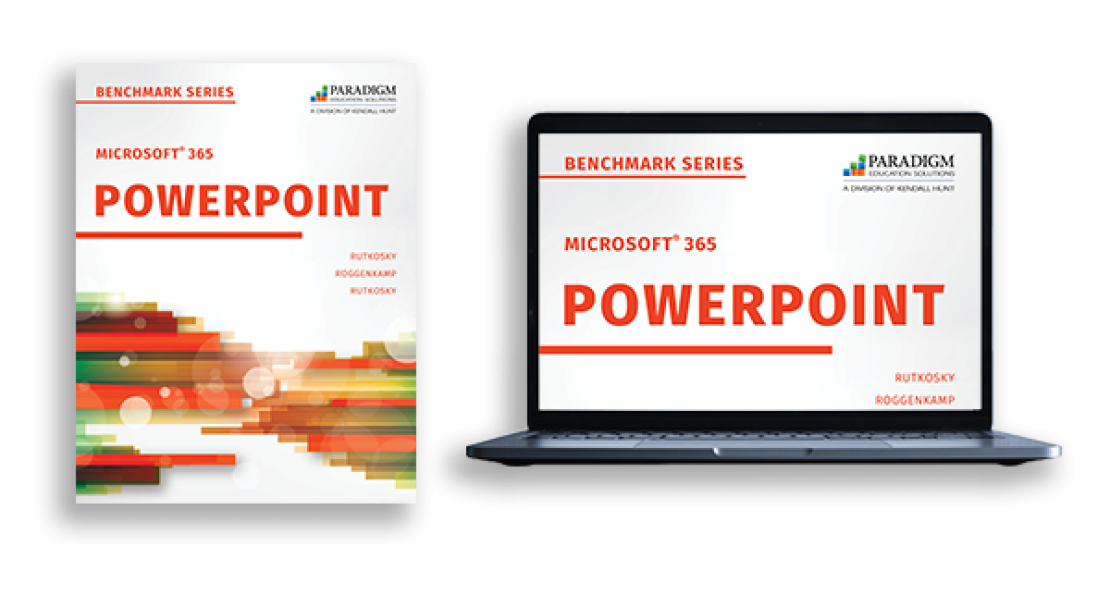
The Benchmark Series: Microsoft 365 PowerPoint is designed for learners who want to learn how to build eye-catching and informative presentations for academic and professional needs. Students will practice using PowerPoint in various workplace scenarios to plan, create, revise, and share presentations that achieve a given purpose. This courseware is designed to equip students with mastery-level skills and to prepare them for certification exams.
Copyright: 2023
Authors: Nita Rutkosky; Audrey Roggenkamp, Pierce College Puyallup; and Ian Rutkosky, Pierce College Puyallup

The Benchmark Series, powered by Paradigm’s Cirrus platform, integrates seamlessly with Blackboard, Canvas, D2L, and Moodle. Students and educators can access all course material anytime, anywhere through a live internet connection. Cirrus delivers students the same learning experience whether they are using a PC, Mac, or Chromebook.
Course content is digitally delivered in a series of scheduled assignments that report to a grade book, thus tracking student progress and achievement through Cirrus’s complete solution.
Dynamic Training
Cirrus course content for the Benchmark Series includes the following interactive assignments to guide student learning.
Practice and Assessment Activities
The following practice and assessment activities for each chapter reinforce and assess student learning.

Cirrus tracks students’ step-by-step interactions, giving instructors visibility into students’ progress and missteps. Instructor resources include:
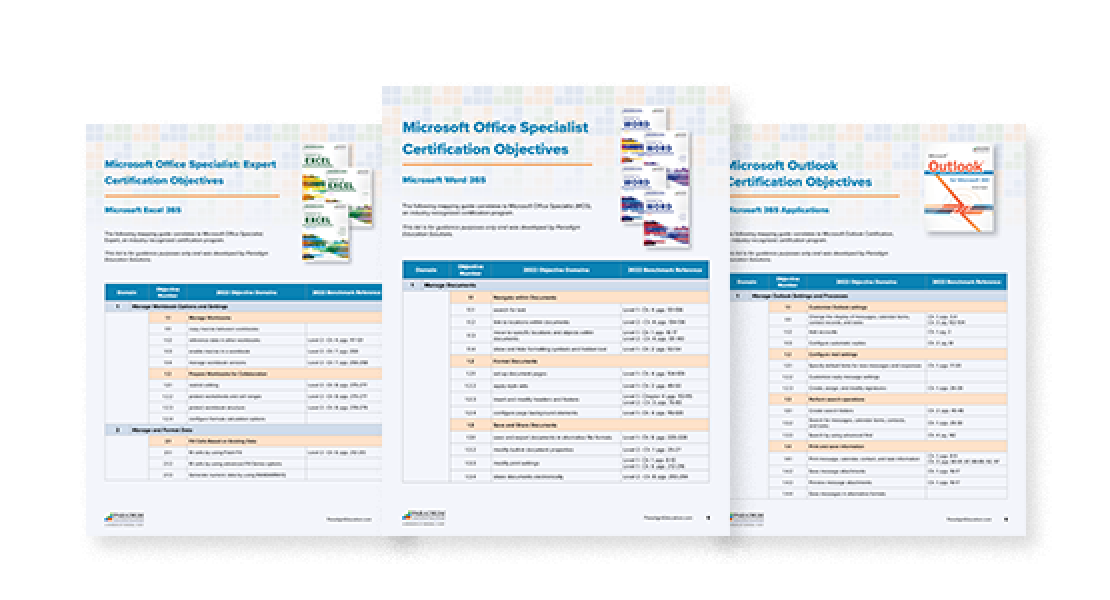
See how our courseware correlates to Microsoft Office Specialist (MOS), an industry-recognized certification program.

We'd love the opportunity to show you how the Benchmark Series and Cirrus build students' skills and eliminate many of the obstacles that can prevent them from being prepared for the first week of class and successful throughout the course.
"The Marquee and Benchmark Series offers a comprehensive suite of applications that cater to a wide range of computer skills. Students gain proficiency in essential areas like database management, word processing, spreadsheets, and presentation software. The software's intuitive interface makes it easy for students to grasp complex concepts quickly, allowing them to focus on mastering the material rather than struggling with cumbersome software. We value the content, the service we’re provided by our account representatives, and technical support being there to support our students when required."
Dennis Sigur, Assistant Professor of Computer Science
Dillard University